MacBook Air vs MacBook Pro: Air M5 or Pro M6?
MacBook Air vs MacBook Pro: what the price leaves out
MacBook Air vs MacBook Pro: what changes when the computer leaves the desk and enters a real workflow? The answer depends on the tasks, not just which machine has the newer chip.A report with many browser tabs open, a video meeting and a project being exported place different demands on a computer. The Pro label alone does not tell you how long any of those tasks will take.
In November 2026, the entry-level reference models are the 13-inch Air with M5 and the 14-inch Pro with M6. At US list prices checked on November 16, 2026, the Air starts at US$1,299 and the Pro at US$1,999. The calculated difference is US$700, before taxes or discounts.
So, is the MacBook Pro worth the difference? For people who need direct accessory connections, a display better suited to HDR content or sustained demanding processing, the Pro offers documented benefits.For writing, coding on modest projects and occasional editing, the Air's fanless design does not automatically make it inadequate. The Pro premium mainly pays for working conditions the Air cannot reproduce simply by adding more memory.
MacBook Air M5 and MacBook Pro M6: beyond the chip
In the reference configuration, the Air M5 has a 10-core CPU and an 8-core GPU; the Pro M6 has a 12-core CPU and a 12-core GPU.Core counts describe hardware, not a speed scale. The chips also belong to different generations, so adding up cores or applying a percentage to compilation time would imply precision without a corresponding test.
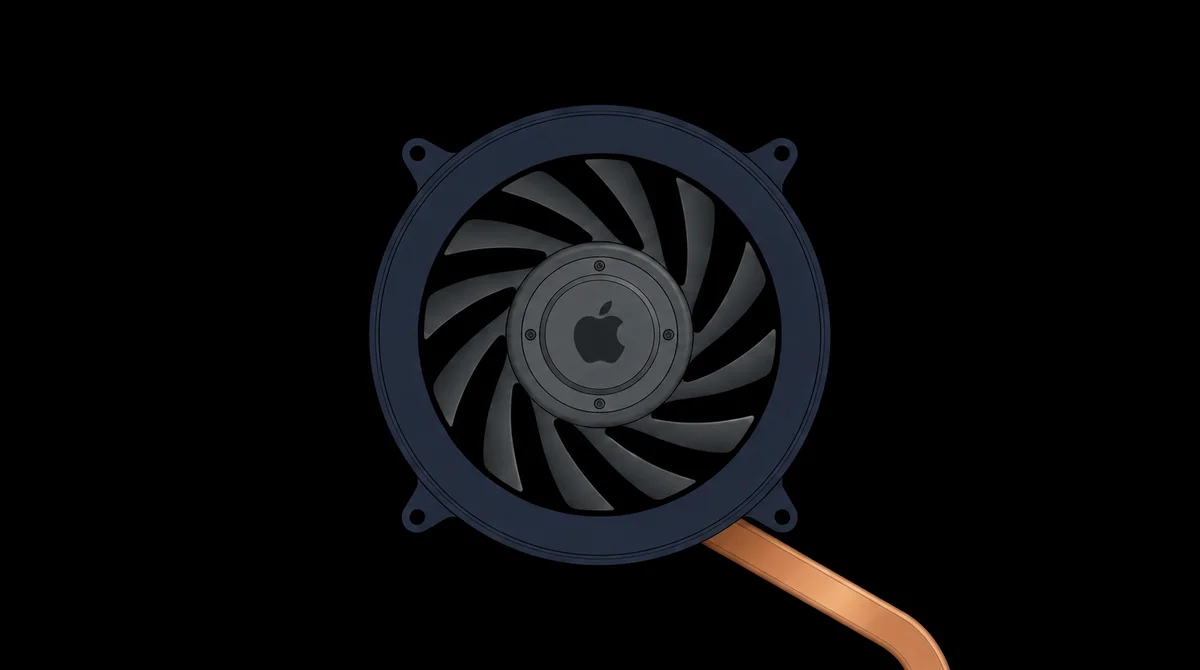
Cooling is where the two designs diverge. In the Air M5 reviewed by Notebookcheck, the absence of a fan eliminates fan noise, but the lab recorded a lower power limit under prolonged processing and a performance drop in its synthetic graphics test.Performance remained stable in the games tested, however. That distinction matters for repeated exports or a project that keeps the processor busy for an extended period; it does not necessarily describe behavior during a brief editing session.
The Pro M6 review from Tom's Hardware documented active fans and repeated Cinebench 2026 runs. The labs did not test these two machines side by side using the same method.These reports therefore illustrate different mechanisms, rather than quantifying a direct performance gain. For more detail on size and storage options within the Air range, see the MacBook Air configuration comparison.
The display and ports change your workstation
The display difference goes beyond diagonal size. The Air uses a 13.6-inch Liquid Retina panel with a specified brightness of 500 nits; Notebookcheck reports 60 Hz for the model it tested.The Pro moves to 14.2 inches, Liquid Retina XDR technology and ProMotion at up to 120 Hz. The extra smoothness can be noticeable when scrolling through pages and spreadsheets; it does not, by itself, change spreadsheet calculations.
Apple specifies a peak of 1,600 nits on the Pro only for HDR content, not as sustained brightness in every application. That condition is crucial: comparing this peak with the Air's 500 nits as equivalent office-use measurements would be incorrect.The Pro's relevant advantage appears when evaluating images with bright highlights and dynamic contrast; someone working mainly with documents does not receive the same practical benefit from that specification.
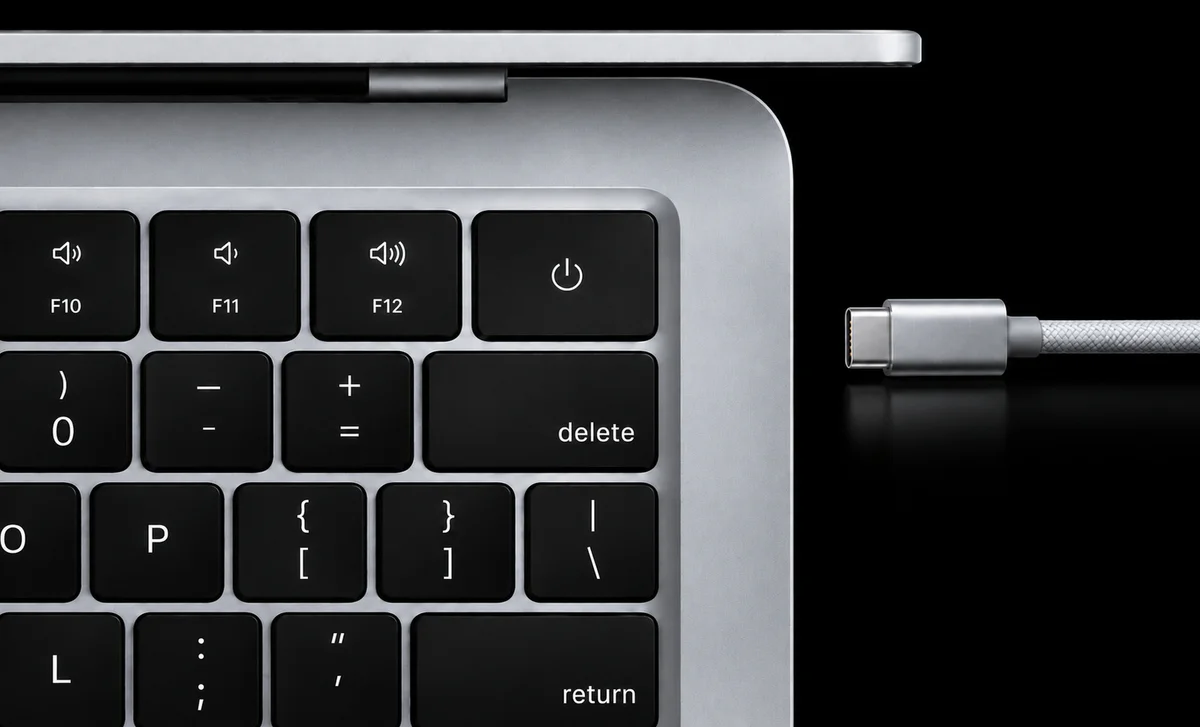
Connections distinguish workflows in another way. The Air provides two Thunderbolt 4 ports, MagSafe and audio; the Pro includes three Thunderbolt 4 ports, HDMI, an SDXC card slot, MagSafe and audio.A photographer transferring memory cards and presenting work on a television can avoid some adapters with the Pro. This does not necessarily make importing faster; it reduces steps and cables. The MacBook Pro family guide covers other variants outside the scope of this comparison.
Battery life and mobility: what was measured?
Battery life looks like a straightforward advantage until you separate the test activities. Apple's specifications claim up to 18 hours of video streaming and up to 15 hours of wireless web browsing for the Air M5; the Pro M6 reaches up to 24 hours of video and 16 hours of web browsing. These are manufacturer-declared maximums under specified conditions, not results from a paired independent test.
Subtracting only figures for the same activity, the Pro's claimed advantage is six hours for video and one hour for web browsing.Understanding that distinction matters more than any blanket battery-life promise: someone who spends the day on calls, edits files and keeps brightness high is not necessarily following either test scenario. The chart shows how the activity itself changes the apparent size of the advantage.

Mobility also involves physical weight. According to the technical specifications, the 13-inch Air weighs 1.23 kg and the 14-inch Pro weighs 1.55 kg, a calculated difference of 0.32 kg.That number does not measure fatigue or comfort, but it describes a trade-off repeated every time you carry the computer. When working at different desks, weight, ports and battery life need to be considered together, rather than as three isolated wins.
Does the extra cost address a real limitation?
Entry price is not the same as price-to-performance value. Both reference models offer 16 GB of unified memory in the Air and 16 GB in the Pro, but the Air starts with 512 GB of SSD storage and the Pro with 1 TB.More storage accommodates projects that need to stay local, but it does not explain the entire premium: display, ports and cooling also change. A purchase decision needs to consider which differences remove actual steps from your work.
| Feature | MacBook Air 13″ M5 | MacBook Pro 14″ M6 |
|---|---|---|
| US list price | US$ 1,299 | US$ 1,999 |
| Local storage | SSD 512 GB | SSD 1 TB |
| Built-in display | 13.6″ IPS · 60 Hz | 14.2″ XDR · up to 120 Hz |
| Data ports | 2 × Thunderbolt 4 | 3 × Thunderbolt 4 |
| HDMI and SDXC | Not included | Included |
| Cooling | Fanless | Active cooling |
| Weight | 1.23 kg | 1.55 kg |
Base US configurations. Both have 16 GB unified memory, MagSafe 3, a headphone jack and macOS. Different chip generations; core counts do not establish speed ratios. Air: 500 nits. Pro: up to 1,600 nits peak for HDR content only. These brightness conditions are not equivalent. Prices exclude tax and discounts.
A professional who takes a laptop to work, connects a monitor, memory card and external SSD, and performs repeated exports may find cumulative value in the Pro's connections and cooling.Someone who writes, studies, attends meetings and edits occasionally may get less use from those extras. An important task does not become irrelevant simply because it is infrequent; the question is which limitation it encounters.
Comparing machines below the Air's price requires a different question, explored in MacBook Air versus MacBook Neo; it does not change the criteria here.The supported distinction is more specific: the Pro provides a mobile workstation with less dependence on adapters and active thermal control; the Air offers silent operation and lower weight without requiring payment for features that may go unused. The value of the premium lies in the task, not the name.
Find the right Mac for you
1 of 6 Questions
When you're working, what usually happens?
Multitasking habits
As an Amazon Associate I earn from qualifying purchases.